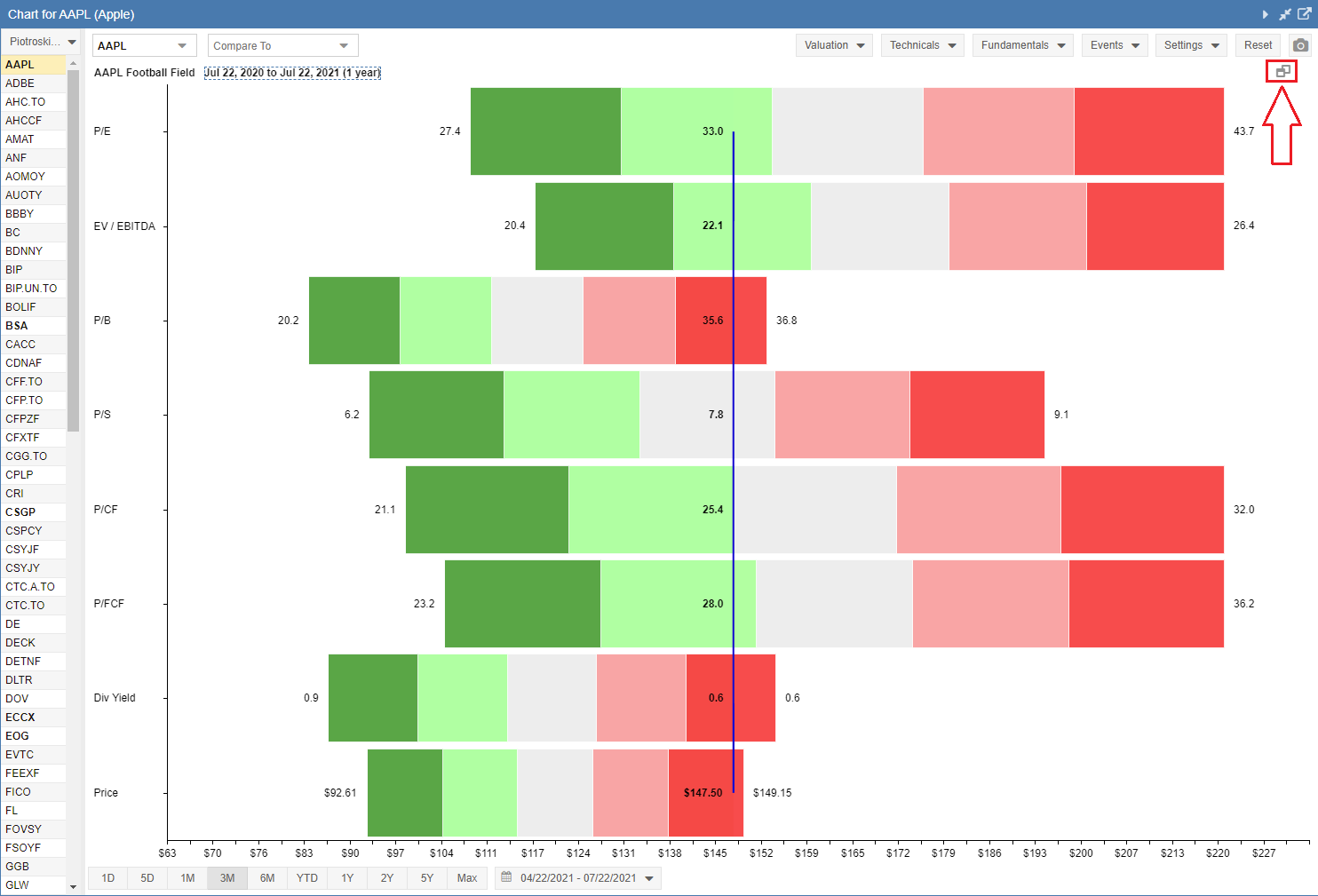
Managing Charts
Moving a Chart
As highlighted in the screenshot below, the Up and Down arrows allow you to move a chart up and down relative to the other charts. Note that if a chart is at the top, the up arrow doesn’t render, and likewise, if the chart is at the bottom, the down arrow will not render. Also, note that the top price chart cannot be moved down; it always stays at the top.

Minimizing a Chart
The line icon highlighted below allows you to minimize the chart without closing it.

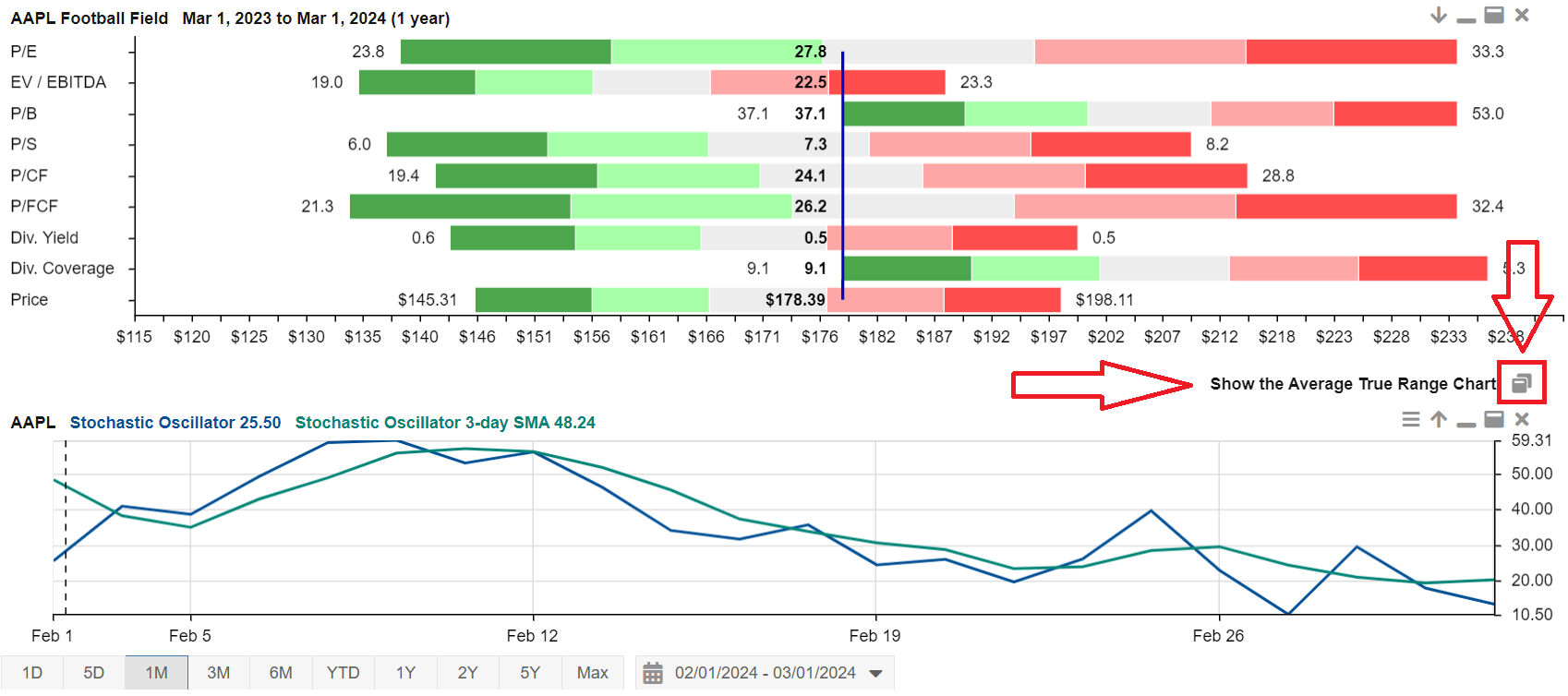
In the screenshot below, you can see that the Average True Range chart is minimized and sits between the Football Field chart and the Stochastic Oscillator chart. To restore the Average True Range chart to its normal size, click on the overlapping window icon, as highlighted below.
Maximizing a Chart
The window icon highlighted below allows you to maximize the chart so it is the only chart being displayed.
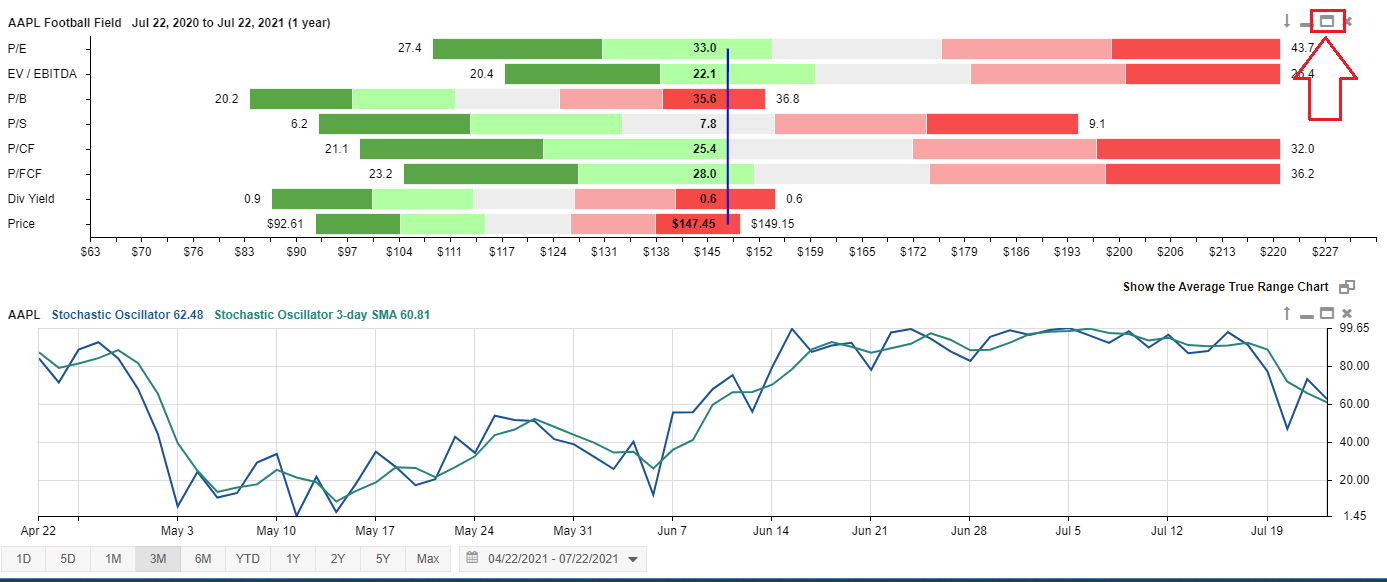
You can see in the screenshot below that the Football Field chart is now maximized. To return the chart to its normal size, click on the overlapping window icon, as highlighted below.