Portfolio Sector Allocation
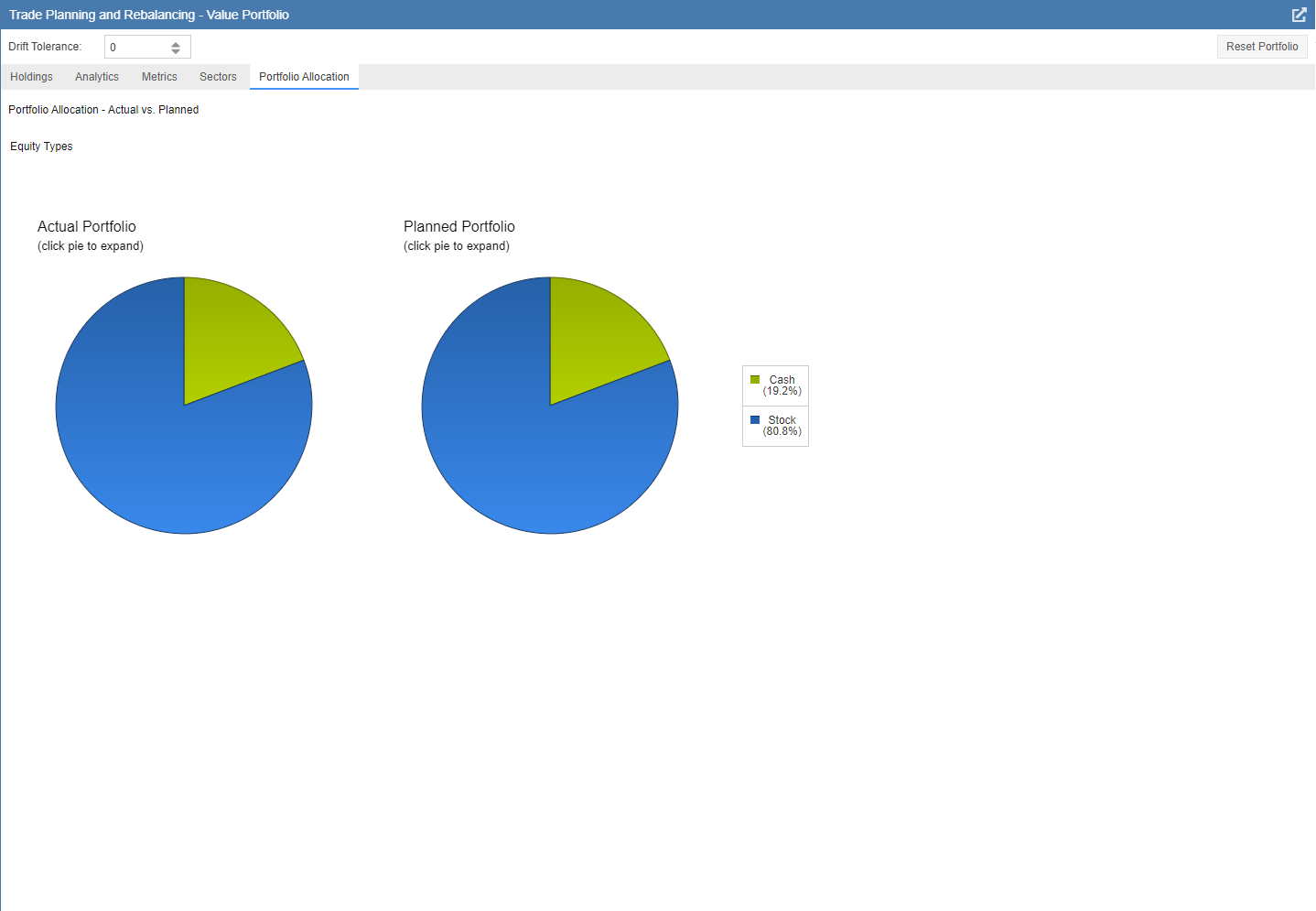
The Portfolio Allocation tab provides a visual comparison of asset classes for both your actual and planned portfolios. These interactive pie charts allow you to “drill down” into your data by clicking on specific segments for a more detailed breakdown.
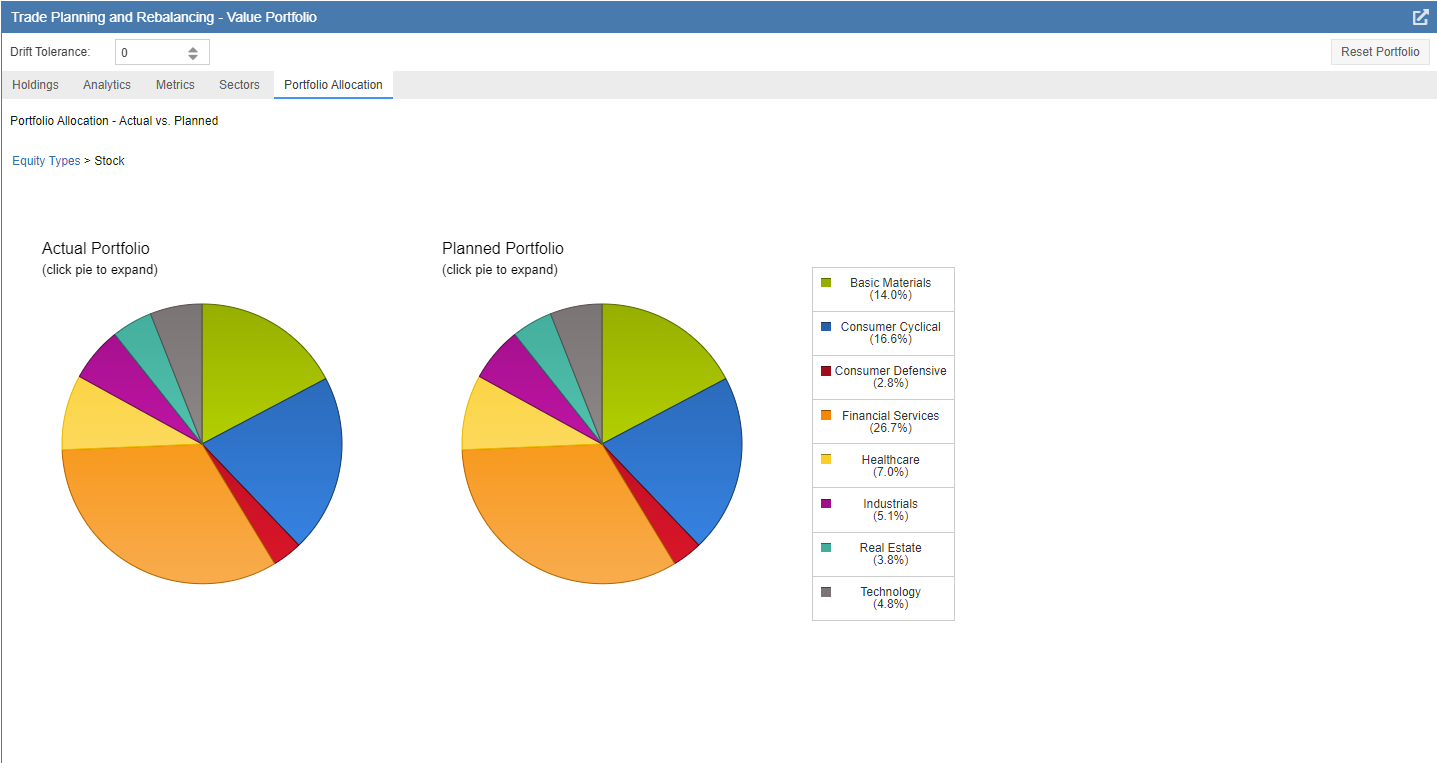
Clicking a primary segment—such as Equities—will refresh the chart to display a secondary level of detail, breaking that category down into specific Sectors, Mutual Funds, or ETFs.
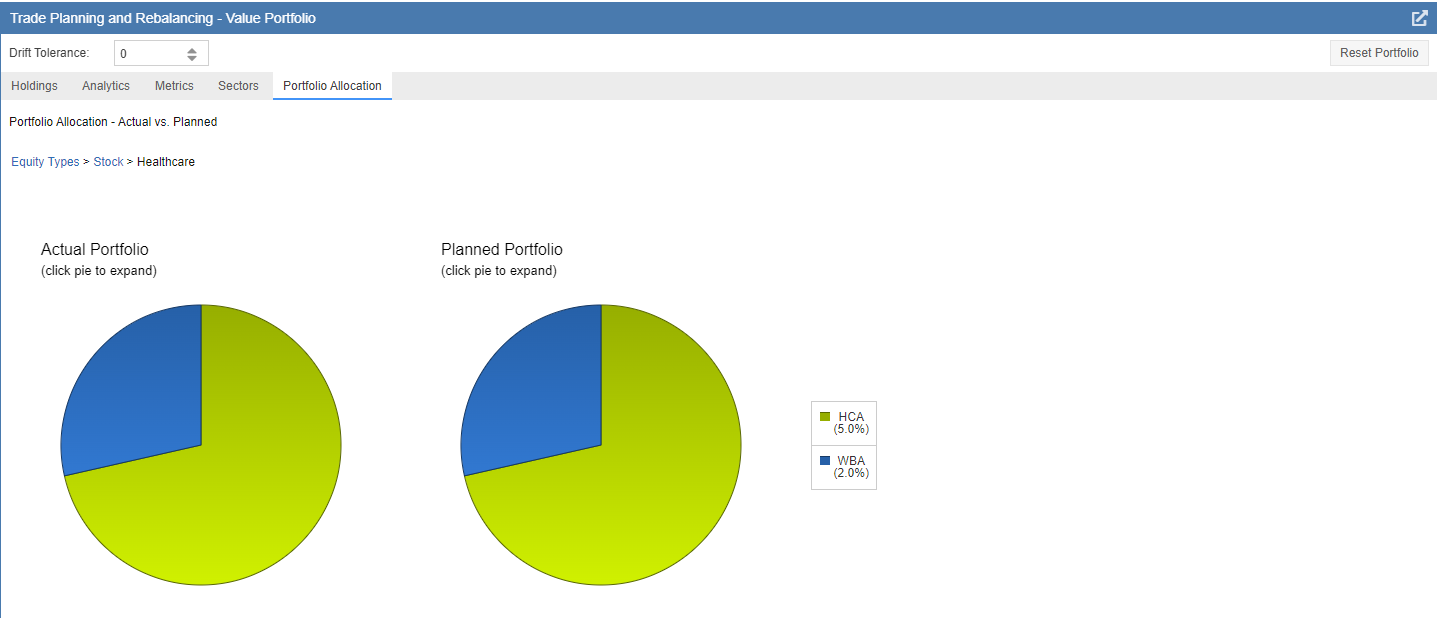
You can perform a final drill-down by clicking on a specific sector. This will display the individual stocks within that sector, allowing you to see exactly how your planned trades affect your concentration in specific companies.