Restoring Factory Settings
Restoring Default Settings
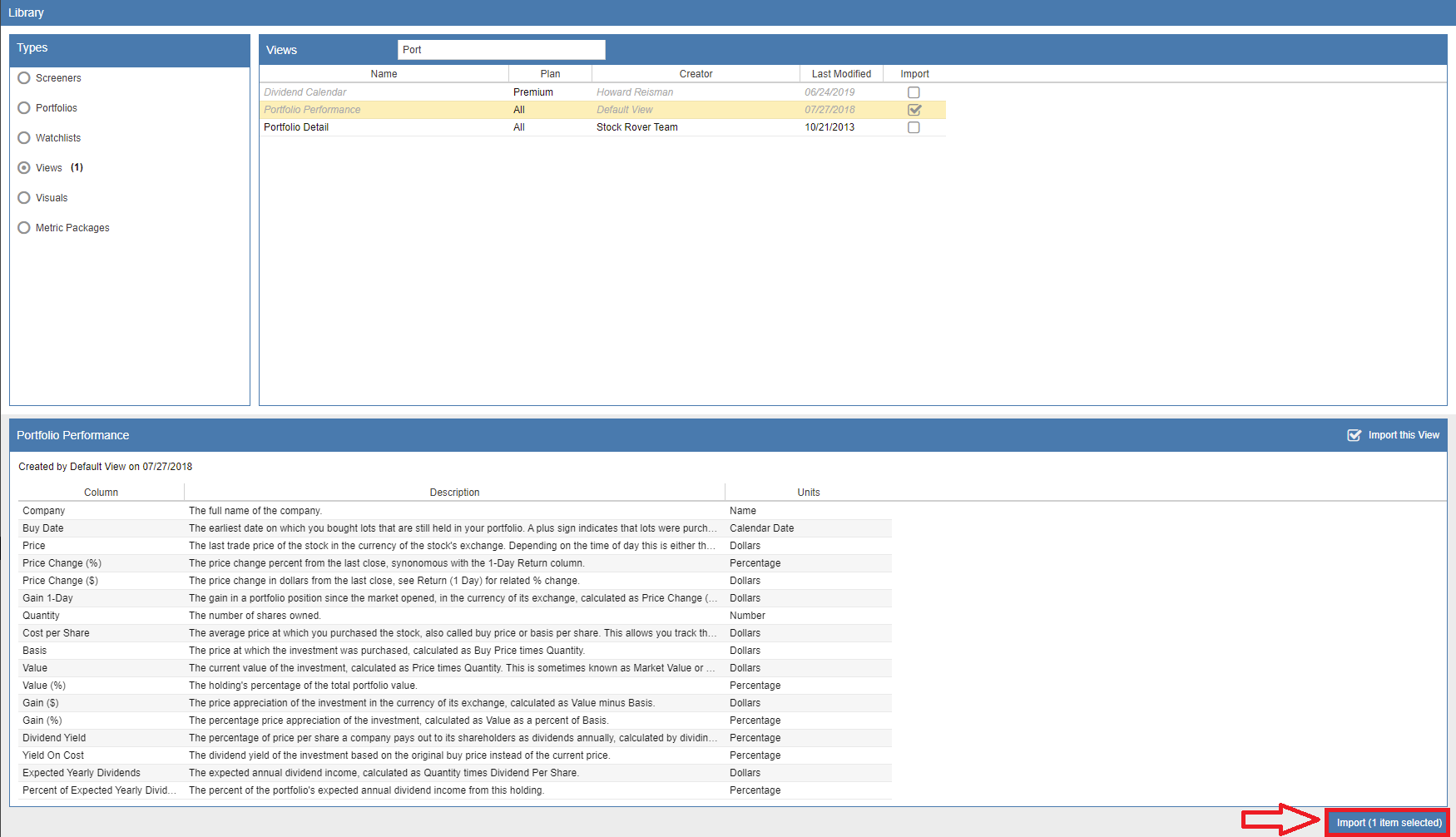
If you have modified any of Stock Rover’s default views, portfolios, watchlists, or screeners and wish to return them to their original state, you can easily restore them through the Library. When an item already exists in your account, it appears greyed out and italicized in the Library list, as shown in the Portfolio Performance example below. This visual cue indicates that the item is currently active in your account but is available for re-import to reset its parameters.
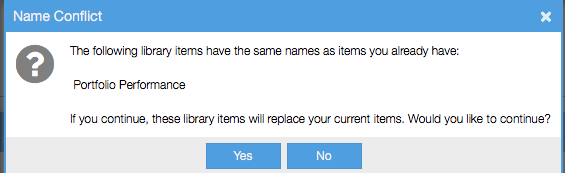
When you choose to re-import an existing item, a confirmation warning will appear. Clicking ‘Yes’ will overwrite your current version with the original Library default. If you prefer to keep your customized version while still restoring the default, simply rename your existing item within your account before performing the import; this allows both the customized and the original versions to coexist.