Portfolio Level
The Portfolio Level tab provides greater granularity than the Summary Level. It breaks down each month to show exactly how much each individual portfolio contributes to your total projected dividend income, as shown below.
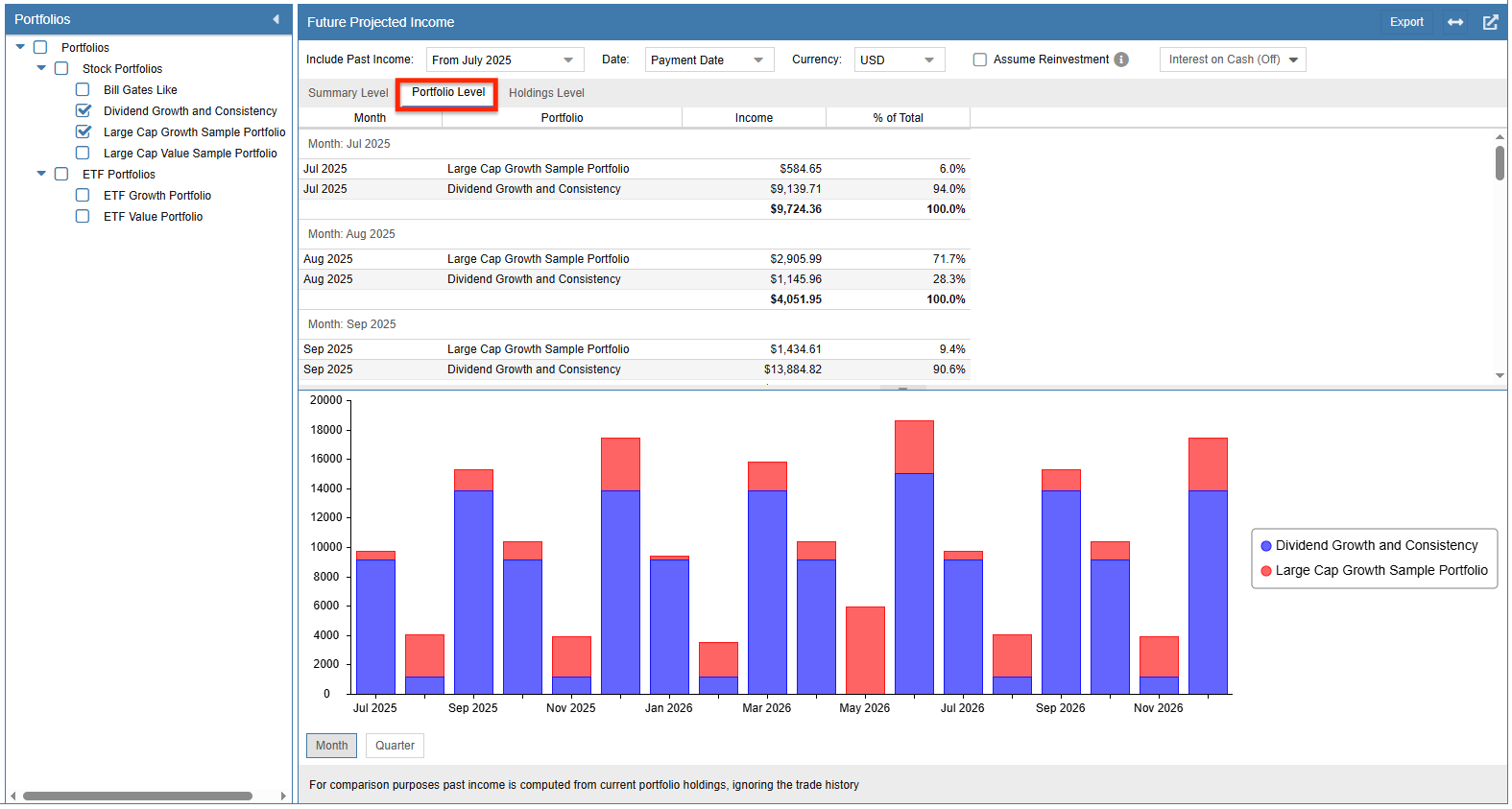
You can sort the data in ascending or descending order by either Portfolio Name or Income within a specific month by clicking the corresponding column header. Clicking the header a second time will reverse the sort order.
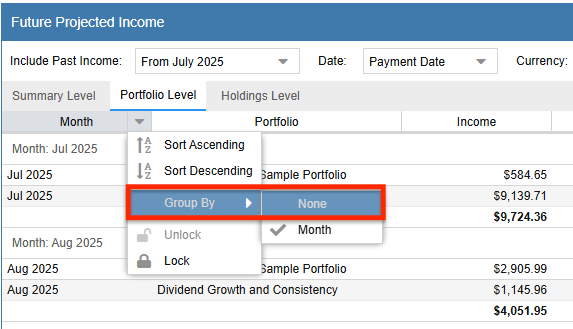
By default, the table is grouped by month. You can remove this grouping by right-clicking any column header and selecting Group By ➝ None, as shown in the screenshot below.
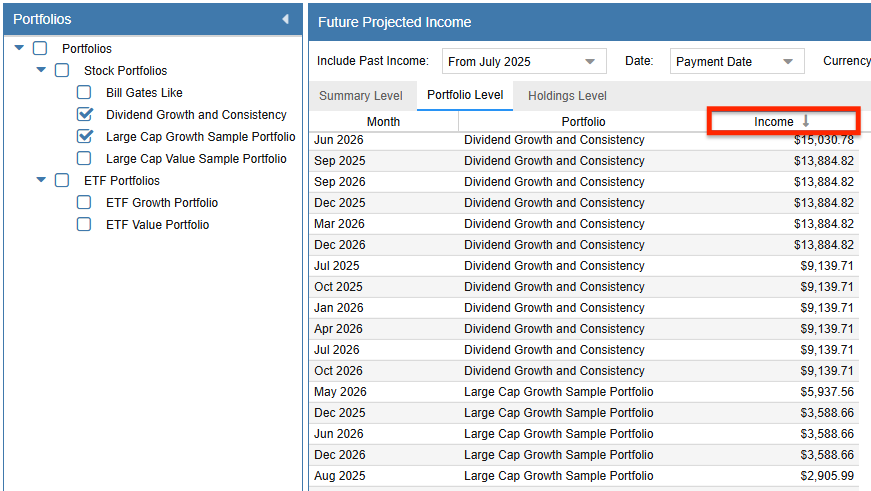
Once ungrouped, you can sort the entire table by Portfolio Name or Income across all time periods by clicking on the column header. This is particularly useful for identifying your highest-income months regardless of their chronological order. Clicking again reverses the sort. The screenshot below shows the table sorted by income, with the largest payout months appearing at the top.
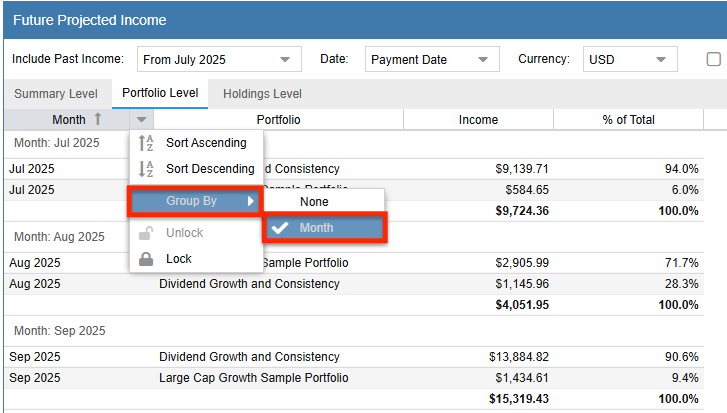
To restore the monthly chronological view, right-click any column header and select Group By ➝ Month.