Settings
Introduction
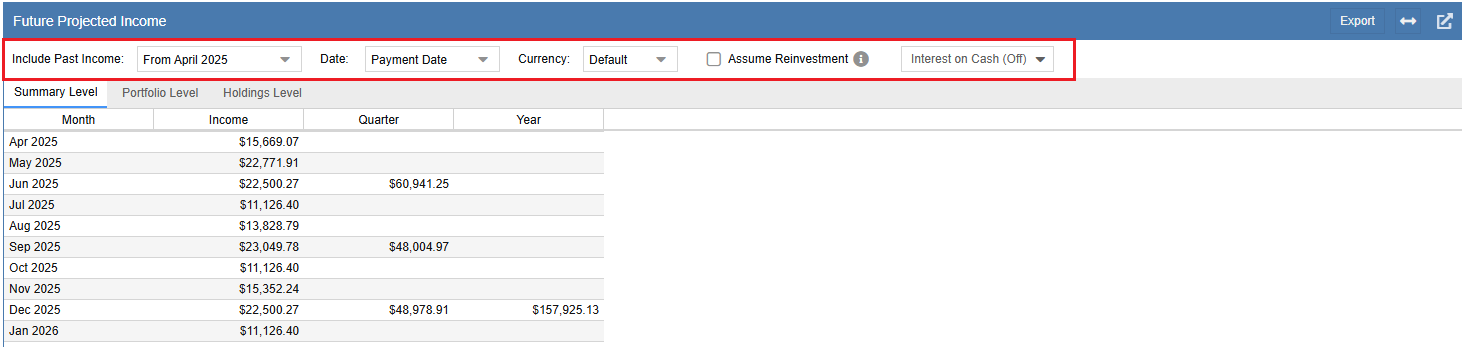
The settings for Future Income are located along the top of the table, as highlighted below. These options allow you to include historical data, change the display currency, and toggle dividend reinvestment assumptions.
Include Past Income
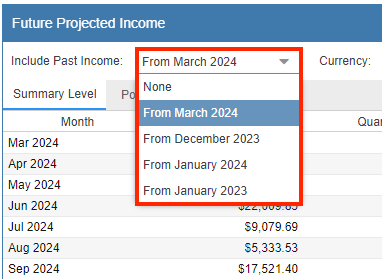
The pull-down menu highlighted below offers four different time periods for historical comparison. You can choose to include past income from the current month, the last three months (plus current), the beginning of the current year, or the beginning of the previous year. This provides a clear comparison of projected future income against actual past performance. Note: For consistency, past income is computed based on your current portfolio holdings, ignoring historical trade history. Select ‘None’ if you wish to view only future projections.
Date
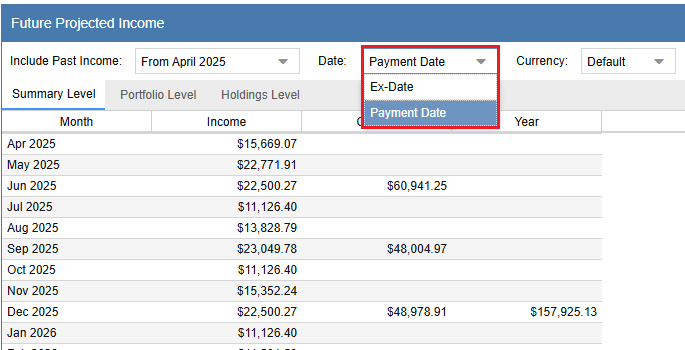
The date setting allows you to organize and view your income projections based on either the Ex-Dividend Date or the Payment Date.
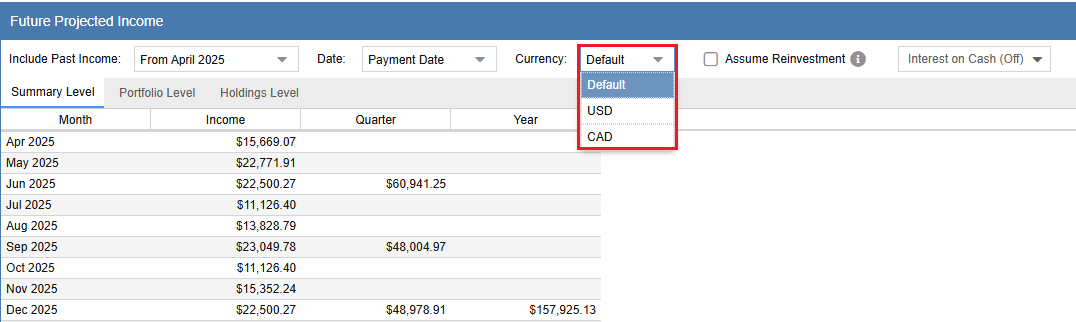
Currency
The currency setting allows you to toggle the displayed values between USD and CAD.
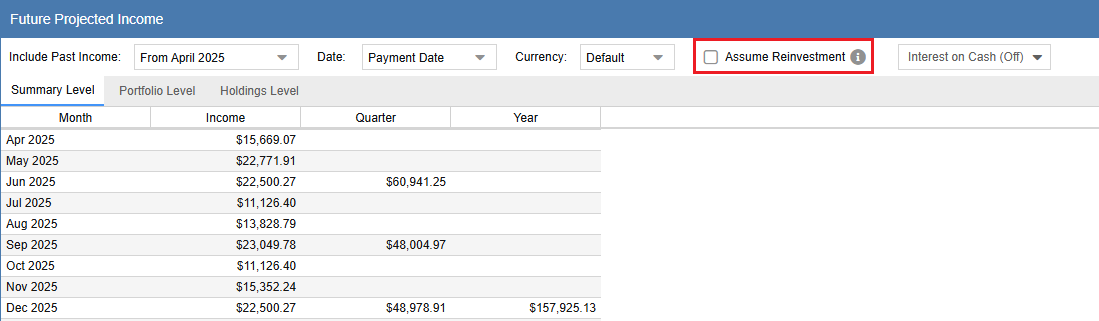
Assume Reinvestment
This checkbox allows you to choose whether to include dividend reinvestment in your future income stream. When enabled, the tool assumes dividends are reinvested at today’s prices to purchase additional shares, thereby compounding your projected future income over time.
Note: Reinvestment calculations use current market prices for all future simulated purchases.
Interest on Cash
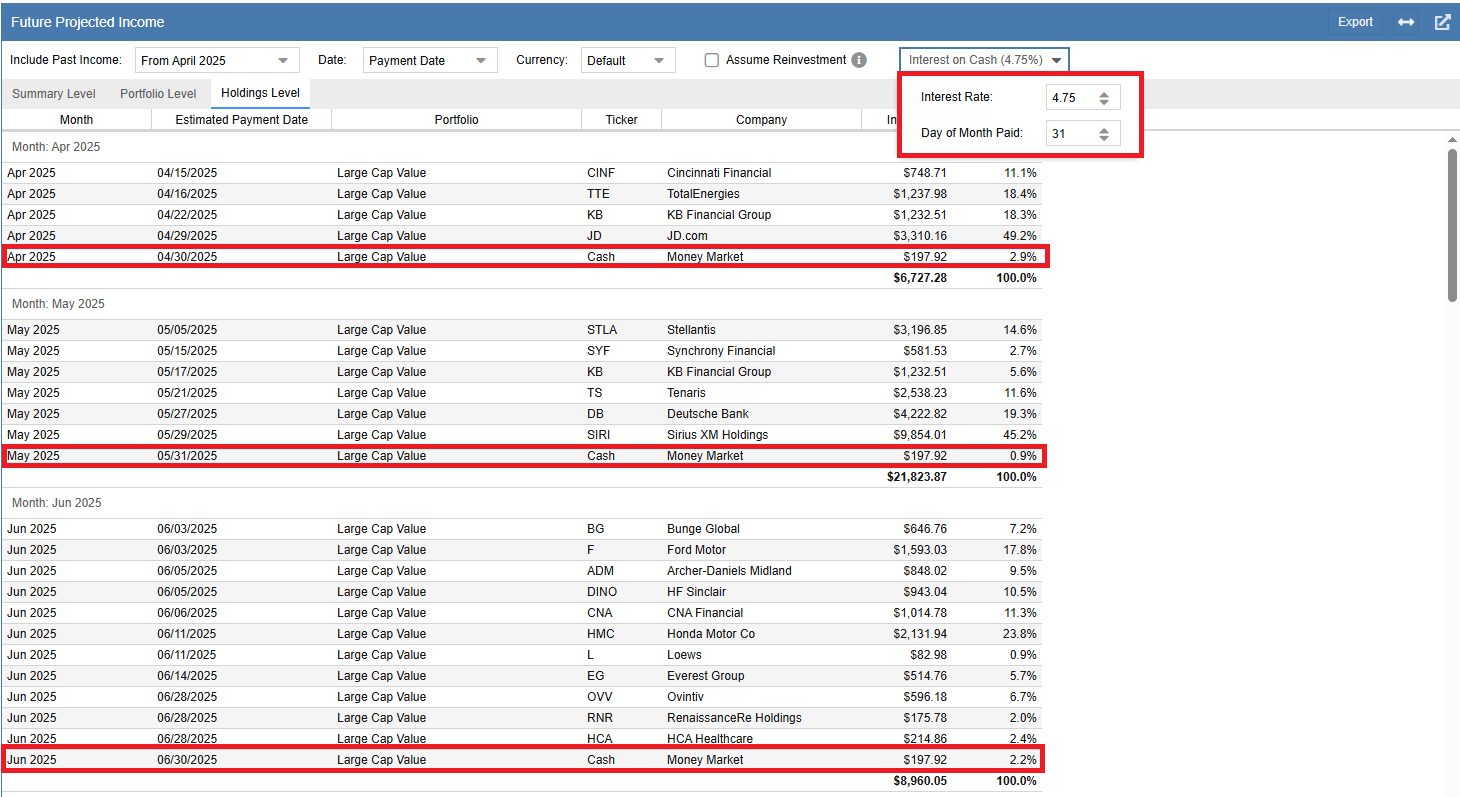
This setting allows you to incorporate expected interest from money market accounts or cash balances. You can specify a custom interest rate and the day of the month the interest is paid; the tool will then integrate these cash flows into your total income display.
Note: This interest rate is applied globally to the cash balance of all selected portfolios.